
Stock to sales invoice. One operational view.
Manage inventory, customer-specific pricing, restaurant orders, delivery progress and the sales invoices you issue to customers in one supplier workspace.
Everything in one system.
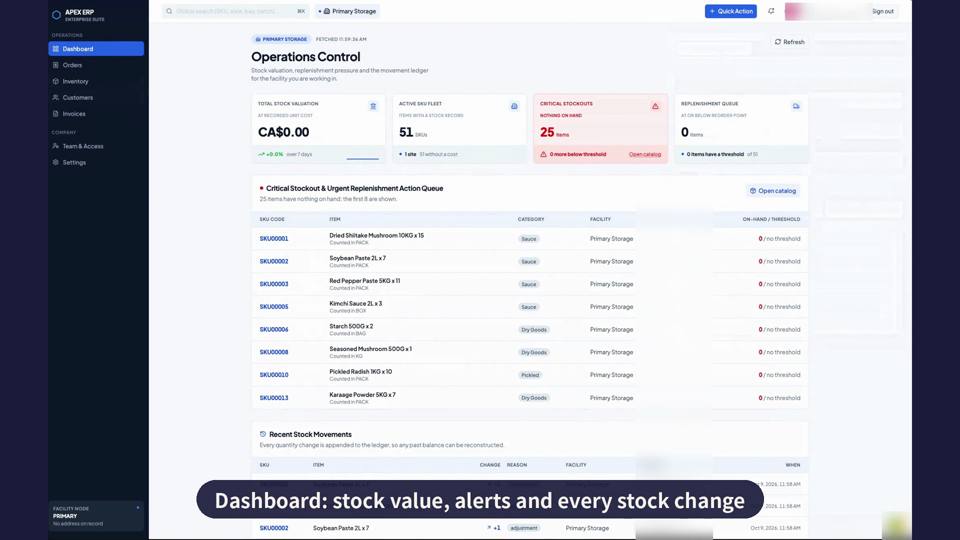
Dashboard
See stock value, alerts and every stock change at a glance.
- Critical stockout and replenishment lists
- Full ledger of recent stock movements
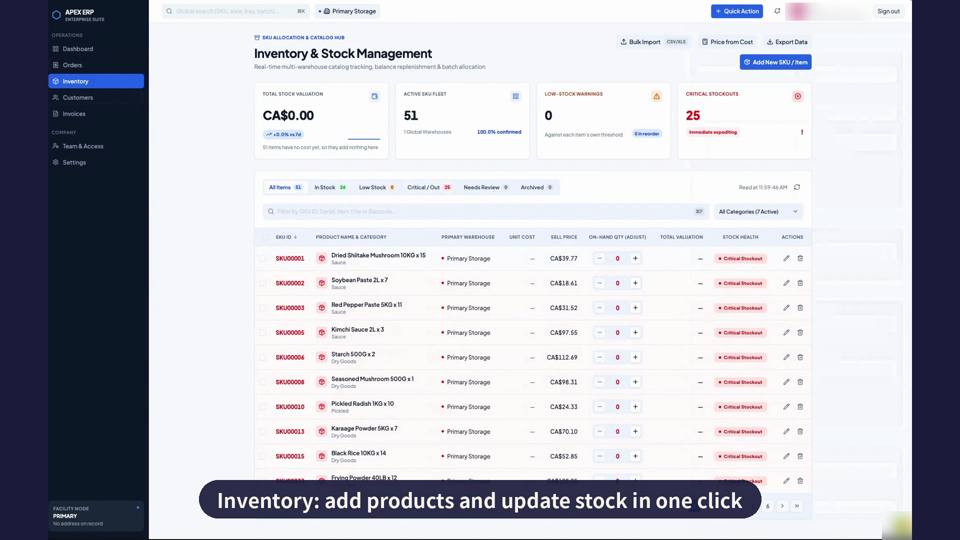
Inventory
Add products and update stock in one click.
- Bulk import from CSV or Excel
- Filter by stock health, adjust with one tap
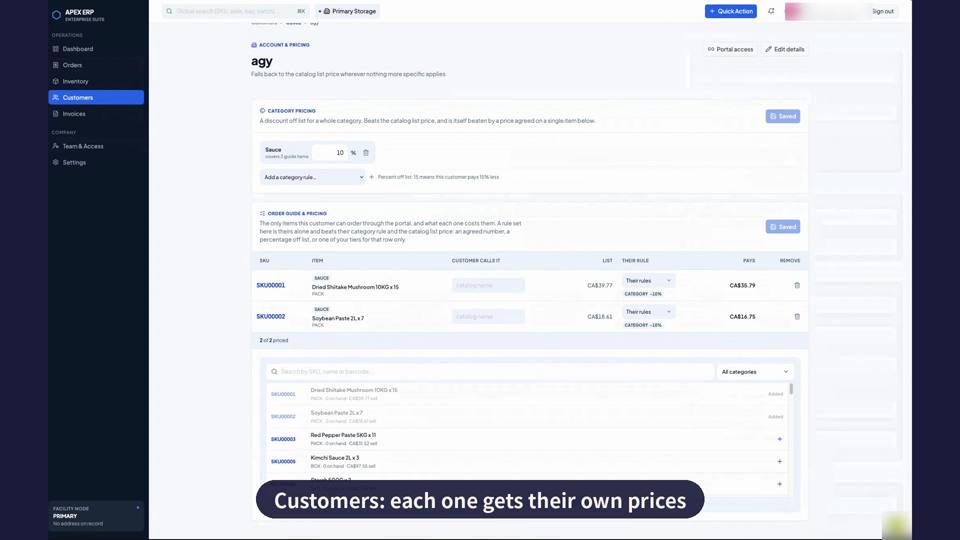
Customers
Each customer gets their own prices.
- Category discounts and per-item prices
- Price tiers and customer item names
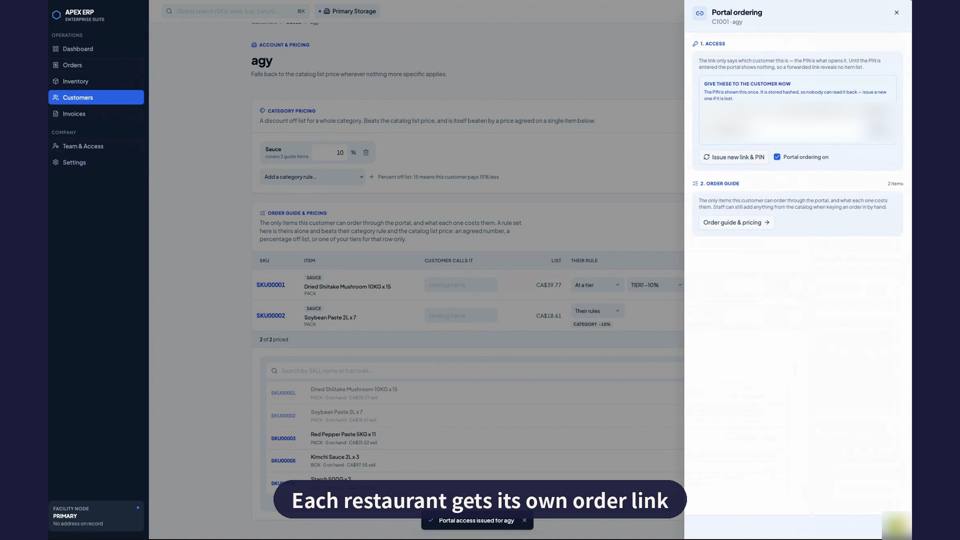
Portal
Each restaurant gets its own order link.
- Private link and PIN per customer
- Order guide shows only approved items
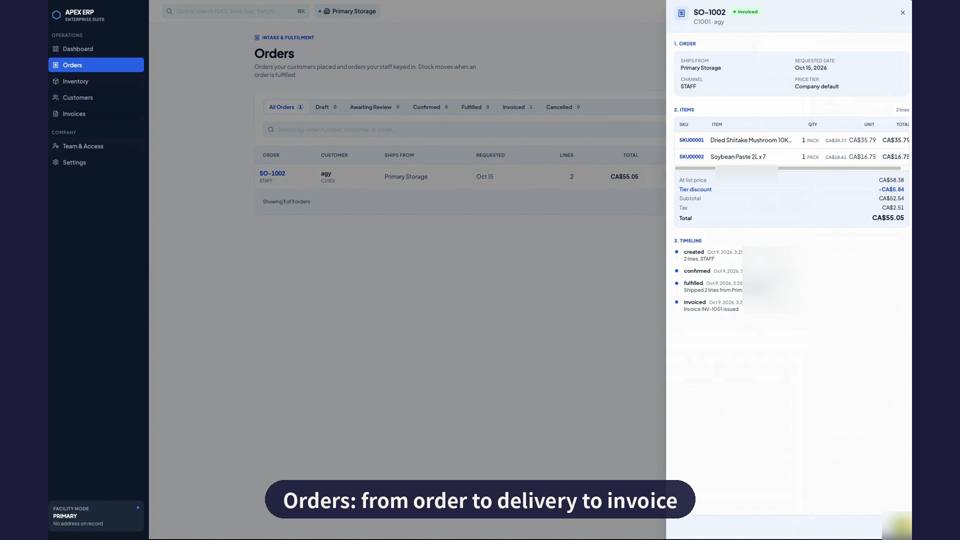
Orders
From order to delivery.
- Clear status from draft to invoiced
- Timeline of every change
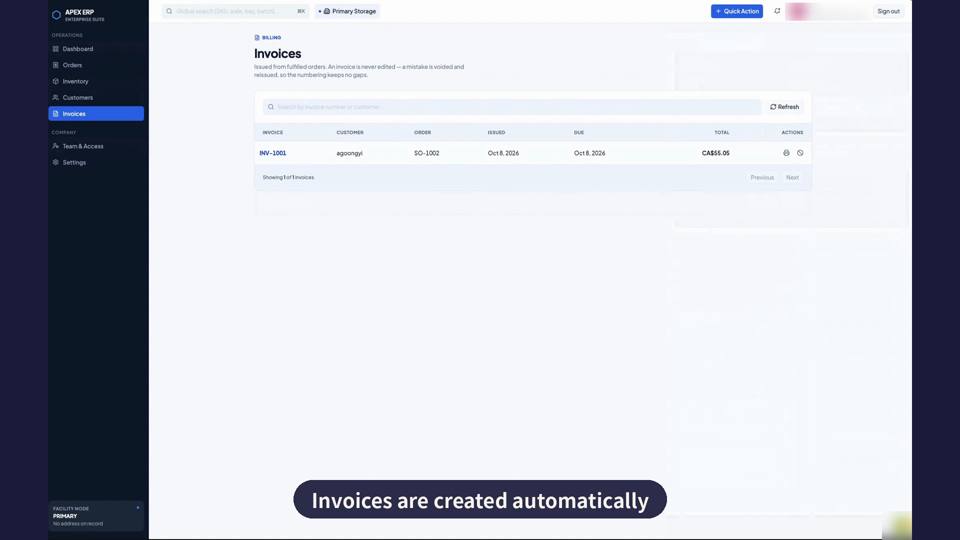
Sales Invoices
Created automatically from fulfilled orders.
- Never edited, only reissued
- Numbering without gaps
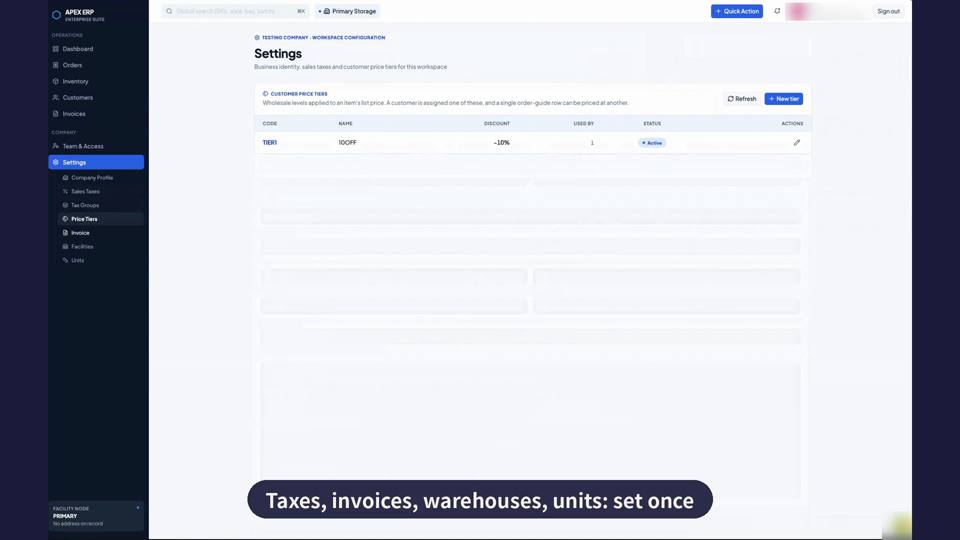
Settings
Taxes, invoices, warehouses and units: set once.
- Tax groups and price tiers
- Warehouses, units and team access
Run the order operation from one place.
Inventory & stock
Add products in bulk, monitor stock value and alerts, and review every stock change.
Customer-specific sales
Set individual prices for each customer and give every restaurant its own order link.
Order to delivery
Manage orders through the operational steps needed to prepare and deliver them.
Automatic sales invoicing
Create customer sales invoices from completed orders and keep issued invoices inside the ERP.
Every customer sees their own price.
Set a category discount, override one item, or assign a price tier.
Your operating rules, ready for every order.
- Tax and invoice settings
- Warehouses and measurement units
- Customer-specific product pricing
- Stock alerts and complete change history